
Debian/Ubuntu - Reconfigure Console Font
Install Necessary Package
If you want to make console (terminal) font bigger, try fonts-terminus.
apt update
apt install fonts-terminus -y
Reconfigure system console font
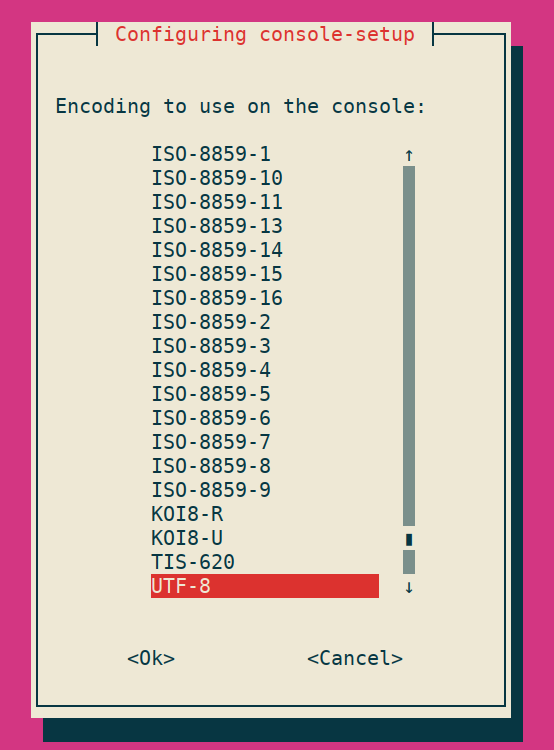
dpkg-reconfigure console-setupChoose character encoding
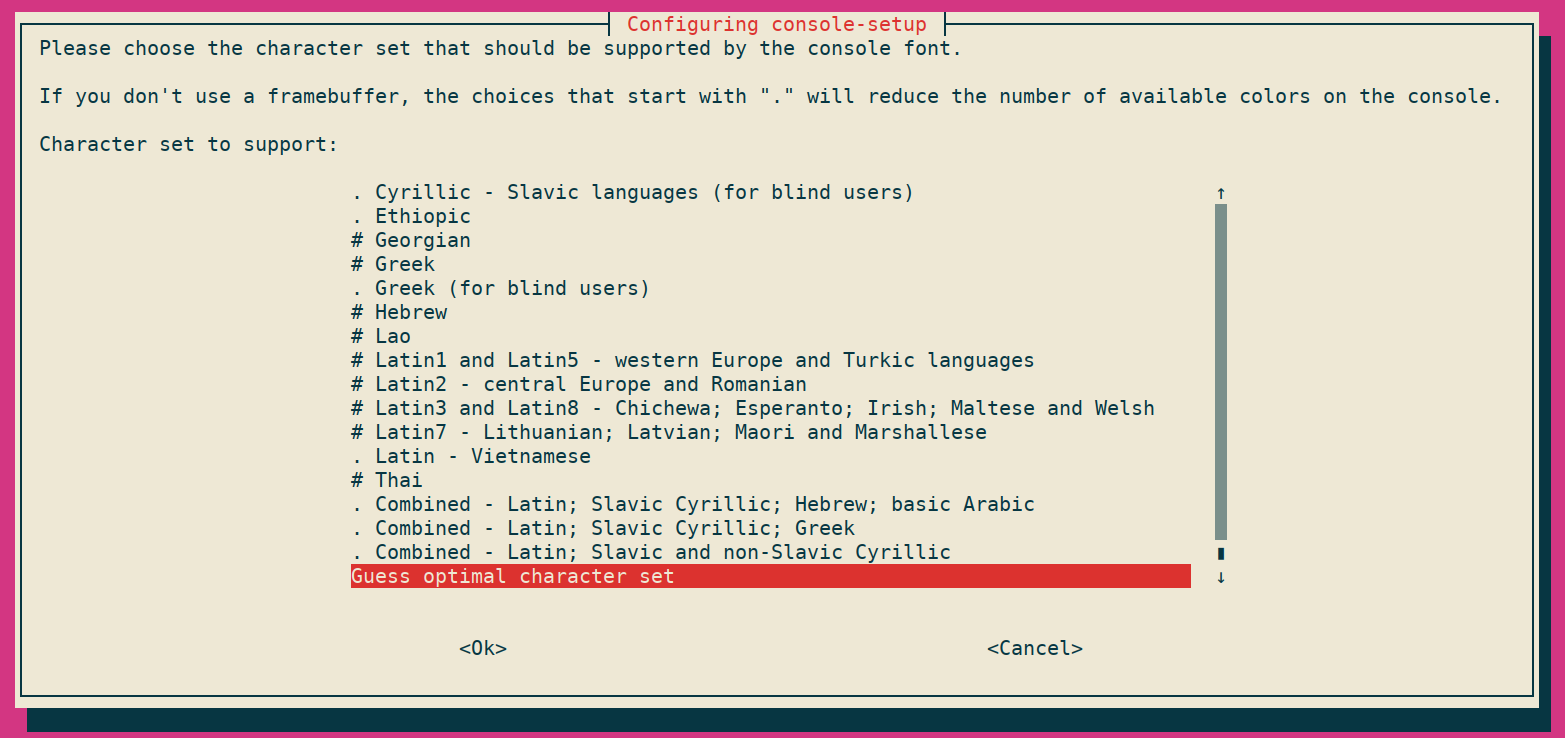
Choose character set (latin, Thai, etc.)
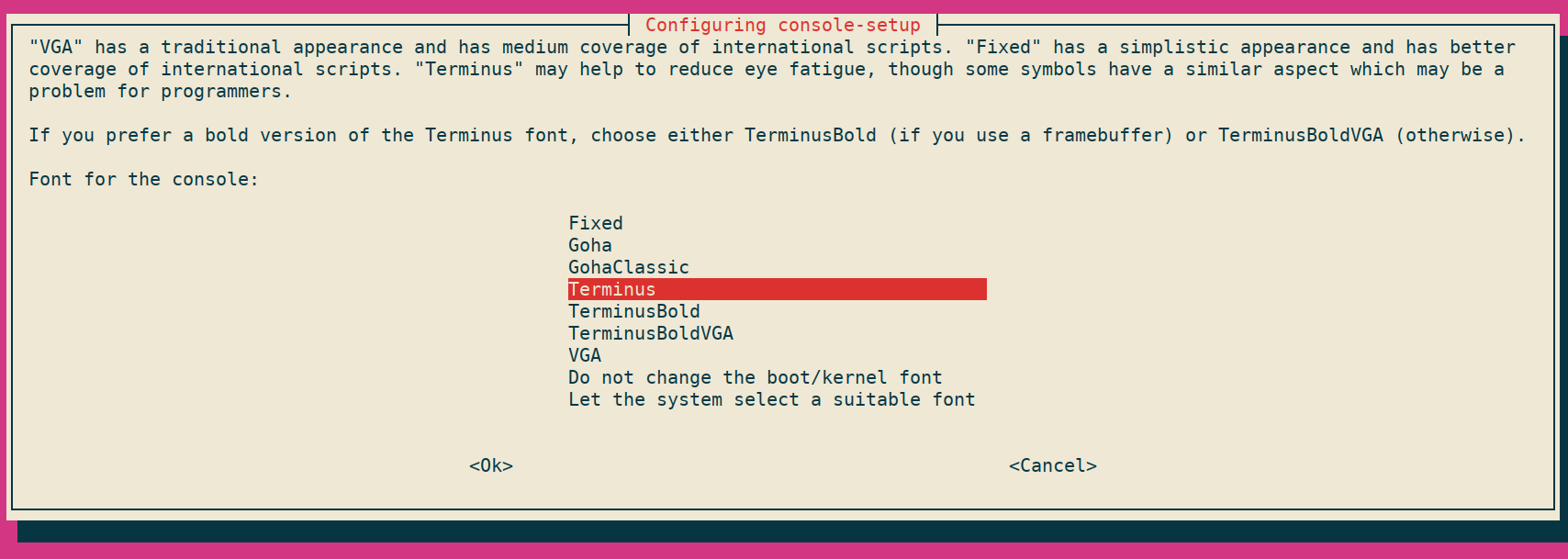
Choose font family
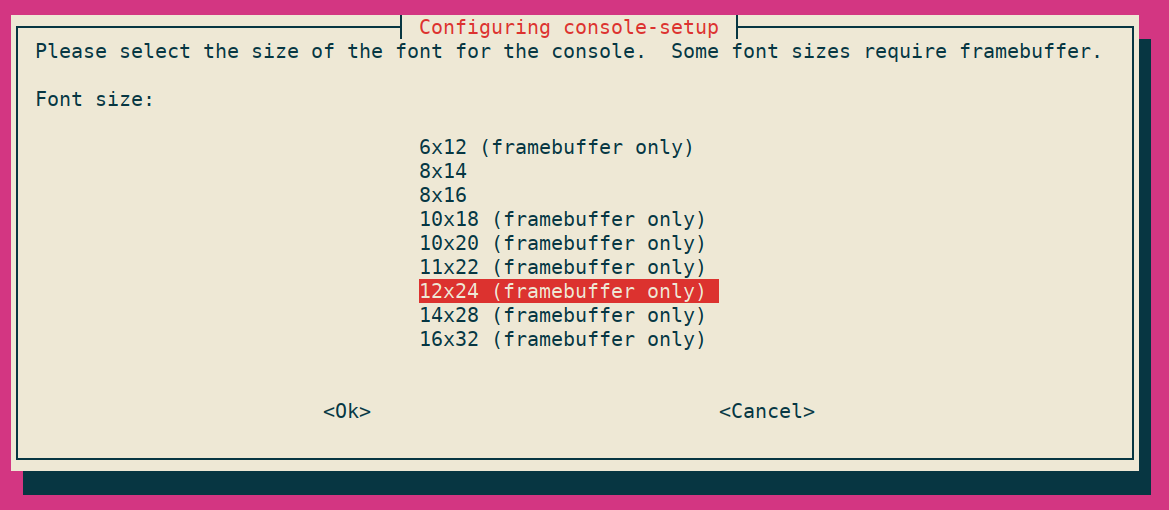
Choose font size
Making change non-interactively
Edit/create /etc/default/console-setup file with the following content.
ACTIVE_CONSOLES="/dev/tty[1-6]"
CHARMAP="UTF-8"
CODESET="guess"
FONTFACE="Terminus"
FONTSIZE="12x24"
VIDEOMODE=
Apply the change
setupconRebuild initial ram disk
update-initramfs -u -k all